2026 Best Server RAM vs Desktop RAM Which is Right for You?

Time:2026-07-16 Author:Ethan
0%

When choosing between Server RAM vs desktop RAM, understanding your specific needs is crucial. Server RAM is designed for high-performance environments, where reliability and speed are paramount. According to industry reports, server memory operates with higher ECC (Error-Correcting Code) capabilities, which significantly reduces data corruption. This feature is essential in enterprise situations where uptime is critical.

Desktop RAM, on the other hand, is optimized for everyday tasks and consumer applications. It often has lower latency and is cheaper, making it ideal for gaming and casual use. Industry experts suggest that the average gamer or home user may not need the same specifications that a server administrator would require. However, many users overlook their actual demands, potentially leading to over- or under-investment in RAM.

Selecting the right type can be thought-provoking. For example, many users assume that more RAM always equates to better performance. Yet, this isn't always true. The balance between capacity, speed, and type can vary tremendously based on individual needs. Ultimately, understanding the nuances of Server RAM vs desktop RAM can lead to more informed purchasing decisions that align with your unique computing requirements.
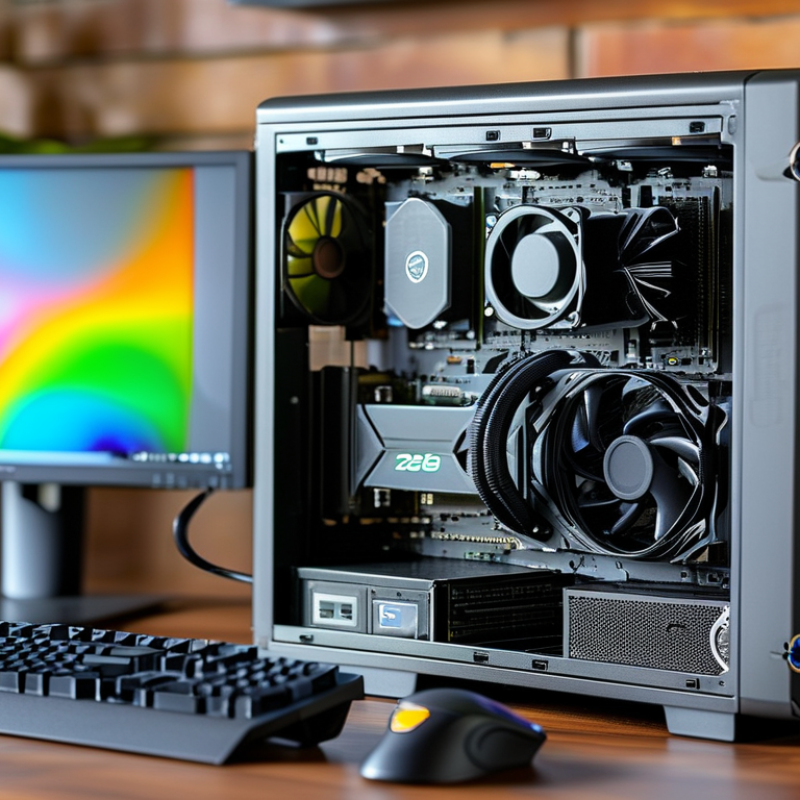
2026 Best Server RAM vs Desktop RAM Which is Right for You?

Understanding the Key Differences Between Server RAM and Desktop RAM

When choosing between server RAM and desktop RAM, it’s crucial to understand their differences. Server RAM, also known as ECC (Error-Correcting Code) RAM, offers robust error correction capabilities. This feature is essential for maintaining data integrity in critical applications. In contrast, desktop RAM is typically non-ECC and designed for individual tasks, like gaming or web browsing.

A report from the International Data Corporation highlights that server RAM often supports larger capacities, ranging from 8GB to 1TB per module, compared to desktop RAM, which typically maxes out at 32GB per module. Additionally, server RAM is optimized for 24/7 operation, ensuring reliability in demanding environments. Meanwhile, desktop RAM focuses on speed and performance, with frequencies often exceeding 3000 MHz.

The decision is not straightforward. If you're managing intensive workloads, server RAM offers necessary stability. However, it may not be needed for standard usage scenarios. Users must weigh their needs against this technical reality. A mismatch can lead to underperformance or wasted resources. Understanding these distinctions will guide your choice effectively.

Performance Metrics: How Server RAM Excels in Environment Scalability

When choosing between server RAM and desktop RAM, scalability stands out as a key factor. Server RAM is designed to support extensive workloads. It can handle multiple tasks simultaneously without compromising performance. This capability is crucial for businesses that experience fluctuating demands. In contrast, desktop RAM usually targets individual users and basic tasks. While it can perform well, it might struggle under heavy loads.

In large data centers, the ability of server RAM to scale up is vital. Administrators can add more memory easily as needs grow. This flexibility ensures that servers remain efficient even as operations expand. Desktop RAM lacks this advantage, often requiring replacement for upgrades. This can lead to downtime and increased costs. Furthermore, server RAM typically offers features such as ECC (Error-Correcting Code) for enhanced reliability. This minimizes the risk of data corruption, which is especially important in critical applications.

However, investing in server RAM may not be necessary for all users. Anyone running basic applications may find desktop RAM adequate. Reflecting on specific needs will guide the choice. The balance between performance and cost is essential. Ultimately, assessing workload requirements can lead to a better decision on RAM type.

Capacity and Speed: Analyzing RAM Requirements for Servers vs. Desktops

When evaluating RAM for servers versus desktops, capacity and speed are key factors. Desktops typically require less RAM compared to servers. A desktop may function efficiently with 8GB to 16GB of RAM for everyday tasks. In contrast, servers often need 32GB or more, especially for virtualization and running multiple applications.

Speed, measured in megahertz (MHz), is also an essential consideration. Server RAM is optimized for stability and performance under load. It may have lower latency and support for error correction, unlike typical desktop RAM. Desktop systems, while needing performance, may benefit from faster speeds with a less critical focus on error correction.

Choosing the right RAM requires careful thought. A desktop user may prioritize speed for gaming or creative tasks. Meanwhile, a server administrator must consider the workload and scalability. Balancing capacity and speed is crucial. Not all workloads need high speeds, and some may not require massive capacity. Understanding the specific use case will lead to better RAM choices.

Cost-Effectiveness: Evaluating Budget Considerations for RAM Choices

When deciding between server RAM and desktop RAM, cost-effectiveness is crucial. Server RAM often comes with a higher price tag due to its reliability and capacity for heavy workloads. Desktop RAM is typically more affordable and suitable for everyday tasks. Understanding your usage is essential to make a wise choice.

Tips: Consider your needs carefully. If gaming or multitasking isn't high on your list, desktop RAM might be enough. However, if you're running complex applications or servers, invest in quality server RAM.

Look at your overall budget. High-performance RAM can strain your finances, but sacrificing quality may lead to problems. A balance is vital for long-term use. Cheap options can save money but might fail sooner than expected.

Evaluate upgrade paths. Sometimes, investing in a smaller amount of high-quality server RAM can provide better long-term value than filling a desktop with cheaper options. It may also require less frequent replacements. Making informed choices will enhance your setup’s performance while being budget-friendly.

2026 Best Server RAM vs Desktop RAM: Cost-Effectiveness Evaluation

RAM Type Capacity (GB) Speed (MHz) Price per GB ($) Best Use Case
Server RAM 64 3200 3.00 Enterprise Applications
Desktop RAM 16 3000 2.00 Gaming and Everyday Use
Server RAM 128 3600 4.50 Virtualization
Desktop RAM 32 3200 2.50 Multimedia Tasks

Future Trends: Emerging RAM Technologies Impacting Server and Desktop Use

Emerging RAM technologies are shaping the future of computing. The distinction between server RAM and desktop RAM becomes more pronounced as these innovations develop. For servers, higher data throughput and improved reliability are critical. ECC (Error-Correcting Code) memory is becoming standard in servers. This reduces data corruption, a concern in large scale data processing.

In contrast, desktop users prioritize speed and cost-effectiveness. Newer types of RAM, like DDR5, promise increased bandwidth and lower latency. These advancements meet the demands of gaming and content creation. However, the rising complexity of these technologies raises compatibility issues. Users must ensure their motherboards support the latest standards.

Trends also include increased capacity options. While servers benefit from vast memory pools, desktops are beginning to adopt similar capacities. This convergence can lead to inflated expectations among users. Not every desktop workload requires server-level RAM. A clear understanding of one’s needs helps bridge this gap effectively.

2026 Best Server RAM vs Desktop RAM

This chart compares the performance of Server RAM and Desktop RAM in terms of data transfer speed (GB/s) for 2026. Server RAM is designed for high throughput and better endurance, while Desktop RAM targets mainstream consumer needs.

FAQS

: What is the main difference between server R

M and desktop RAM?

How does server RAM perform under heavy workloads?

Server RAM is designed for extensive workloads, handling multiple tasks simultaneously without performance compromise.

What does ECC stand for, and why is it important?

ECC stands for Error-Correcting Code. It's vital for maintaining data integrity in critical applications and reduces corruption risks.

Can desktop RAM meet demanding operational needs?

Desktop RAM may struggle under heavy loads. It's better suited for basic tasks rather than intensive operations.

Is scalability a significant factor when choosing RAM?

Yes, server RAM supports easy scalability for growing workloads, while desktop RAM often requires replacements for upgrades.

What are some emerging trends in RAM technology?

Emerging RAM technologies include DDR5, offering increased bandwidth and lower latency, which benefit both servers and desktops.

Why might server RAM not be necessary for some users?

Users running basic applications might find desktop RAM sufficient, as server RAM may provide unnecessary stability for standard tasks.

How can users ensure compliance with new RAM standards?

Users must check compatibility with their motherboards to support new RAM technologies and avoid performance issues.

What is a potential downside of adopting newer RAM technologies?

The complexity of newer technologies can lead to compatibility issues, which may frustrate users looking for upgrades.

How should users reflect on their RAM needs?

Assessing specific workload requirements helps users decide whether to invest in server or desktop RAM effectively.

Conclusion

When considering the differences between Server RAM vs desktop RAM, several key factors come into play. Server RAM is specifically designed to handle intensive workloads and multitasking environments, excelling in scalability and performance metrics that are crucial for server operations. In contrast, desktop RAM is tailored for general use in personal computing, focusing on speed and efficiency for everyday tasks.

Capacity and speed are vital when evaluating RAM requirements; servers often require higher capacity and speed to support multiple simultaneous processes, while desktops typically meet moderate demands. Additionally, cost-effectiveness plays a role in decision-making, as server RAM tends to be more expensive due to its advanced capabilities. As technology evolves, future trends indicate emerging RAM technologies that will further influence both server and desktop applications, making it essential for users to assess their specific needs when opting for Server RAM vs desktop RAM.

Ethan

Ethan

Ethan is a seasoned marketing professional with a deep expertise in our company's innovative product line. With a passion for sharing knowledge and insights, he takes the lead in regularly updating our corporate blog, where he explores industry trends, product features, and effective marketing......